Chipotle Macros Calculator (Protein, Carbs, Fat)
Introduction
Many people love eating at Chipotle because the food is fresh and tastes great. But if you are someone who hits the gym or follows a specific diet, you might feel stuck. You know the food is good, but you don’t know exactly what is inside it. Are you getting enough protein to build muscle? Are there too many carbs for your current plan? This confusion can make it hard to reach your fitness goals.
The good news is that you don’t have to guess anymore. A Chipotle macros calculator is the perfect solution for anyone who wants to eat out without ruining their diet. Instead of wondering about the numbers, you can see exactly how much protein, fat, and carbs are in your bowl or burrito. This makes it easy to enjoy your meal while staying on track with your health journey.
What is a Chipotle macros calculator?
A Chipotle macro calculator is a simple online tool that breaks down your meal into three main parts: protein, carbohydrates, and fats. These three things are called “macros” (short for macronutrients). Your body needs all of them to stay healthy and have energy.
Using this tool is like having a nutrition expert standing next to you at the counter. It tells you exactly what each scoop of food adds to your daily total. If you are trying to eat more protein or stay under a certain amount of fat, the Chipotle macro tool helps you make the right choice before you even take the first bite. It turns a “mystery meal” into a clear plan for your body.
How to Use the Macros Calculator
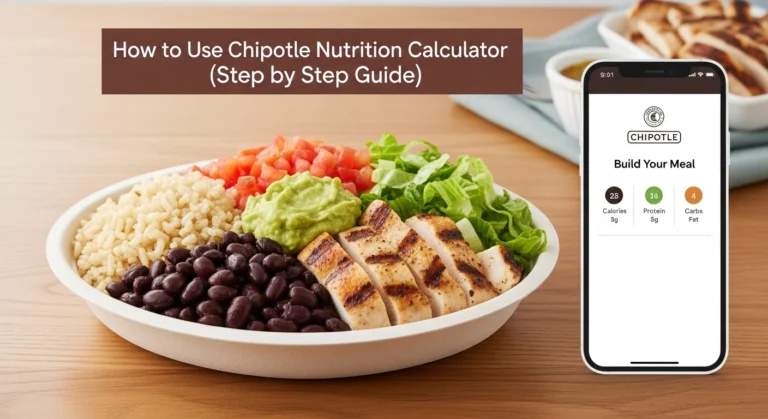
The chipotle protein calculator is easy. Follow these steps. It works in seconds.
- Open the chipotle macros tool.
- Pick meal type: bowl, burrito, tacos, or salad.
- Choose base: rice, beans, or lettuce.
- Add protein: chicken, steak, or veggies.
- Pick toppings: cheese, guac, salsa.
- Click calculate. See protein, carbs, fat, and calories.
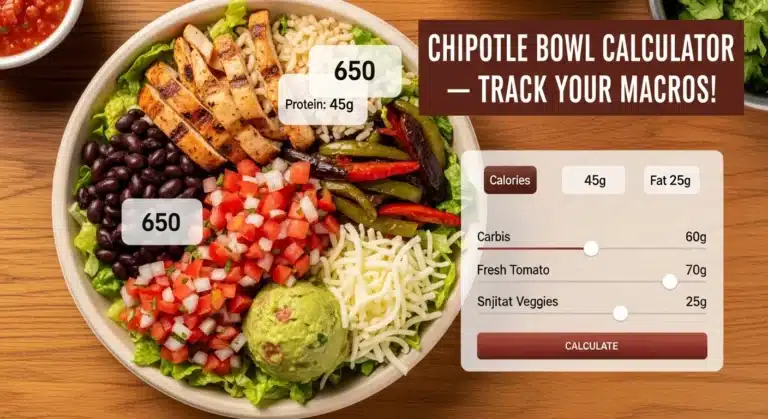
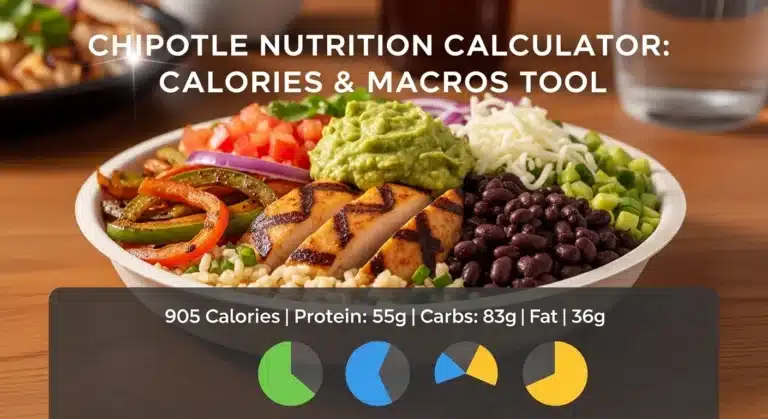
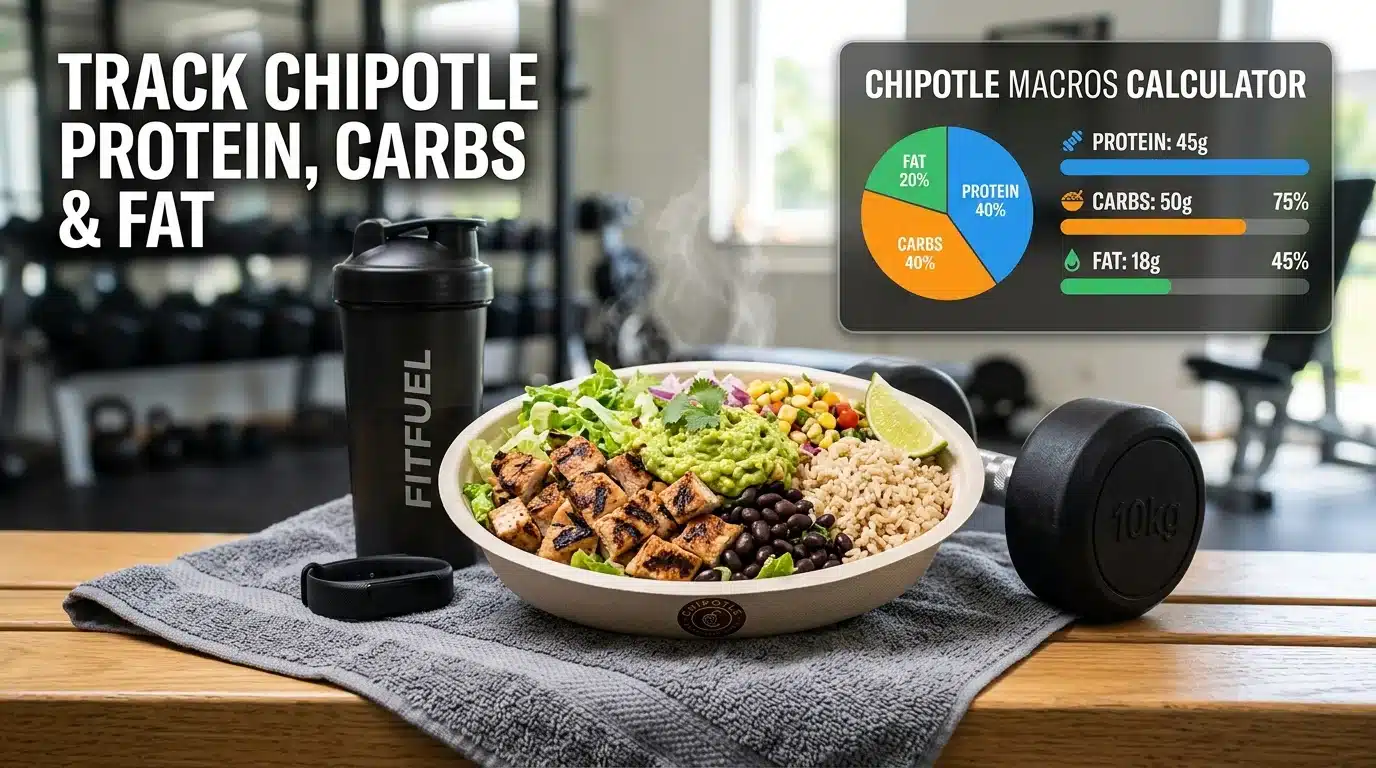
Real-life example: After gym, you need protein. Build a chicken bowl: no rice, black beans, chicken, veggies, salsa. The chipotle carbs calculator shows 45g protein, 40g carbs, 15g fat. Perfect for muscle recovery!
Chipotle Macros Breakdown
Not all ingredients are the same. Each one affects your macros differently.
Protein Sources
- Chicken
- Steak
- Barbacoa
These help:
- Build muscle
- Keep you full
Carb Sources
- Rice
- Beans
- Tortilla
These give:
- Energy
- But too much = weight gain
Fat Sources
- Cheese
- Sour cream
- Guacamole
These:
- Add flavor
- Increase calories fast
Simple Rule
- More protein = better for muscle
- More carbs = more energy
- More fat = more calories
Real-Life Example
Imagine this situation:
You are on a gym diet and need high protein
Meal 1 (Not Optimized)
- Burrito
- Rice
- Steak
- Cheese
- Sour cream
Result:
- High fat
- Extra carbs
Meal 2 (Better Option)
- Bowl
- No rice
- Chicken
- Beans
- Veggies
Result:
- High protein
- Balanced carbs
- Lower fat
Related Tools for Better Tracking
To get the best results, you might want to look at different ways to track your food. We have several tools to help you understand chipotle calories and macros in detail:
- Chipotle Nutrition Calculator: This is your home base for all nutrition facts.
- Chipotle Calorie Calculator: Use this if you are mostly focused on losing weight by counting calories.
- Chipotle Burrito Calculator: A specific tool for those who love the classic wrapped burrito.
- Chipotle Bowl Calculator: See how much space you save for extra protein by skipping the wrap.
- Chipotle Salad Calculator: The best way to track a light and fresh meal.
By using these together, you become the boss of your own nutrition.
Benefits of Using Macros Calculator
The chipotle calories and macros tool brings big wins. Here’s why:
- Build muscle: Hit 30g+ protein per meal. Chicken bowls shine.
- Weight loss: Cut carbs under 50g. Skip tortilla for easy wins.
- Better diet planning: Match your daily macros, like 40% protein.
- Easy tracking: Instant chipotle carb count. No apps needed.
- Gym ready: Post-workout fuel without fat overload.
Users gain strength faster. One lost 15 pounds while packing on muscle.
FAQs
How much protein is in a Chipotle chicken bowl?
A standard serving of chicken has about 32 grams of protein. If you add beans and choose “double chicken,” you can easily get over 70 grams of protein in one meal!
Can I track macros at Chipotle if I’m Keto?
Yes! Use the chipotle macros calculator to pick items like steak, chicken, greens, and guacamole while skipping the rice and beans. This helps you keep your carb count very low.
Is Chipotle good for muscle gain?
Absolutely. Because you can get large amounts of clean protein and healthy carbs (like rice and beans), it is one of the best “fast food” places for athletes and bodybuilders.
Does the guacamole count as a carb or a fat?
Guacamole is mostly healthy fat. While it has some carbs from fiber, the chipotle fat calculator will show you that it is a major source of fat in your meal.
Conclusion
Tracking your food doesn’t have to be hard. With the chipotle macros calculator, you can see the protein, carbs, and fat in your meal in just a few seconds. Whether you want to gain muscle, lose weight, or just feel more energetic, knowing your macros is the secret to success.
Don’t leave your health to luck. Use our chipotle macro tool today and build a meal that helps you reach your goals. It is fast, easy, and the best way to enjoy your favorite Mexican grill without any of the guilt!
You can also calculate nutrition for other Chipotle menu items:
Chipotle Tacos Nutrition calculator
Chipotle Burrito Nutrition Calculator
Chipotle Quesadilla Nutrition Calculator
Chipotle Salad Nutrition Calculator
Chipotle Chips & Sides Nutrition Calculator
Chipotle Kid’s Meal Nutrition Calculator
These tools help you compare different menu items and build meals that match your nutrition goals.