Is Chipotle Nutrition Calculator Accurate? (Full Guide)
Introduction
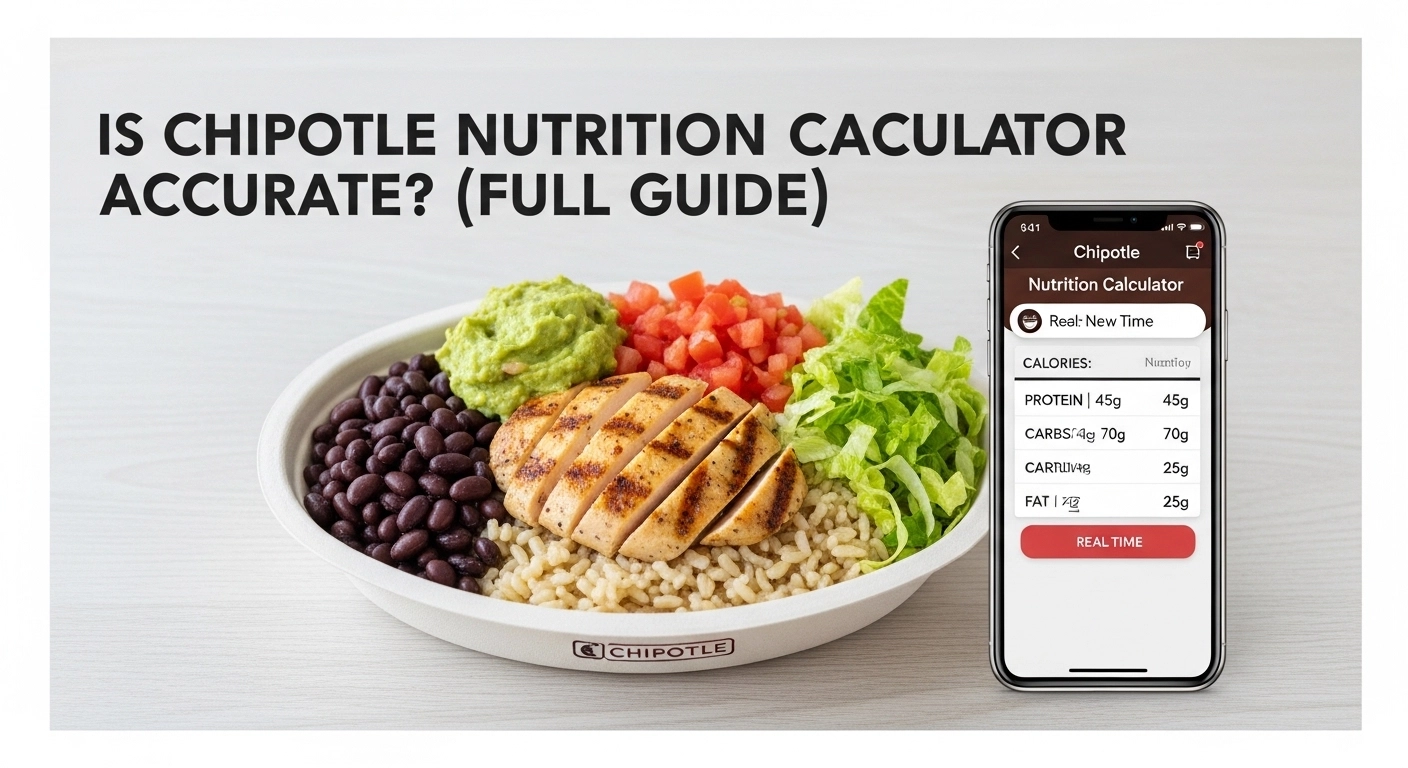
Imagine you grab a quick lunch at Chipotle. You build a tasty burrito bowl with chicken, rice, beans, and some fresh toppings. It tastes great, but later you wonder, “How many calories did I just eat?” Is it messing up my diet plan? Many people feel this way when they eat out and try to stay healthy. The Chipotle nutrition calculator is a free tool on their website that lets you pick every item in your meal and see the calories, protein, carbs, and more right away. But is Chipotle nutrition calculator accurate?
This full guide will show you the truth in simple words, using real-life examples from daily eating habits. We will cover the problems, easy steps to use it, tips that work, and why it can help you make smarter choices.
You do not need to be a nutrition expert to follow along. Think of it like a helpful map for your Chipotle order. Whether you eat there twice a week for lunch or treat yourself on weekends, this tool can take the guesswork out of your food. By the end, you will know if the numbers you see online match what ends up in your bowl. No more worrying or second-guessing your daily meals.
Table of Contents
Common Problems with Chipotle Nutrition Calculator Accuracy
Even though the calculator is a great tool, it has some real-life problems. If you have ever ordered a bowl and felt like you got a mountain of rice one day and just a tiny scoop the next, you already know the main issue: human error.
Portion Size Confusion
In real life, the amount of food you get is not always the same. For example, one day you may get more rice, and another day less. This can change calories.
Ingredient Differences
Sometimes, ingredients are not exactly the same. For example, chicken might be slightly more or less cooked with oil.
Trust Issues
People think the calculator may not be 100% correct, so they stop trusting it.
Burrito vs. Bowl Gap
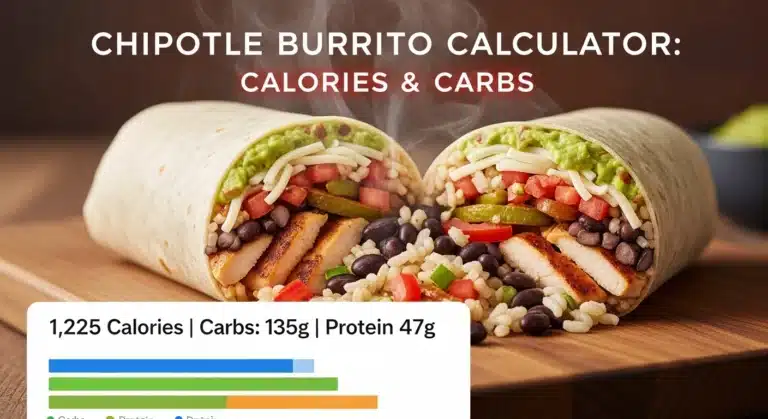
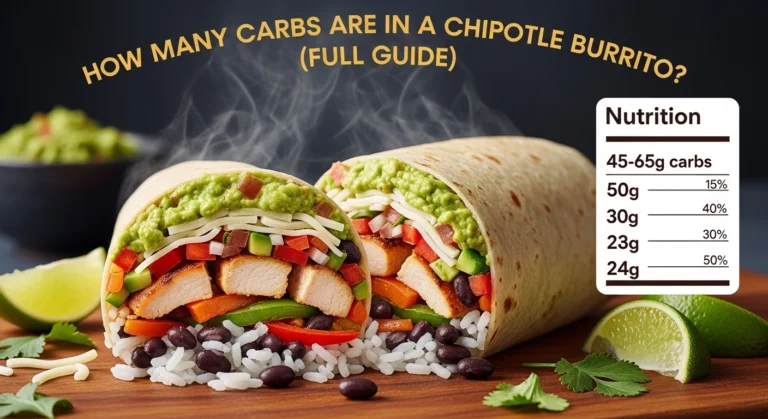
Many people think that a burrito and a burrito bowl have the same nutrition if the insides are the same. However, the large flour tortilla used for burritos adds 320 calories all by itself. People often forget to add the “wrap” to the calculator, leading them to believe their meal is much lighter than it actually is.
Sneaky Sauces and Toppings
It is very easy to ask for “just a little bit” of sour cream or extra salsa. The Chipotle Nutrition Calculator assumes a standard serving size. If the worker gives you two big squirts of sour cream instead of one, you might be eating 100 extra calories without even realizing it.
Is Chipotle Nutrition Calculator Accurate? (Step-by-Step Understanding)
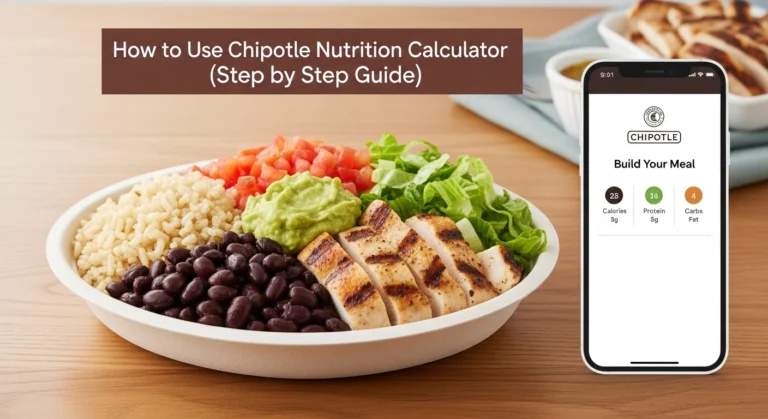
Here is a simple, step‑by‑step way to use the Chipotle nutrition calculator without getting tricked by the numbers.
Step 1: Pick your base
On the calculator, choose:
- Bowl
- Burrito
- Salad
- Tacos or kids’ meal
This sets the starting point. For example, a salad base is about 20–30 calories, while a burrito starts higher because of the tortilla.
Step 2: Choose your protein
Click chicken, steak, barbacoa, carnitas, sofritas, or tofu. The calculator will show:
- Calories
- Protein
- Fat
For example, a “double chicken” build might show around 360 calories and 60+ grams of protein.
Step 3: Add rice and beans
White rice adds about 200–250 calories per serving; brown rice is similar. Black beans or pinto beans add about 100–130 calories and extra fiber.
If you want to keep calories low, you can:
- Skip rice
- Skip beans
- Or choose just one (rice OR beans).
Step 4: Add toppings and sauces
Add cheese, sour cream, guacamole, salsa, fajita veggies, etc. Each item updates your total.
Rules of thumb:
- Guacamole and cheese add calories fast.
- Salsa and veggies add very little.
- Sour cream and queso are among the heaviest in calories.
Step 5: Check your total and adjust
Before you “order” in real life, check the final calorie and macro total and ask yourself:
- Is this under my daily target?
- Do I need more protein?
- Do I need fewer carbs or fats?
Then remove or swap one thing if needed (for example, skip sour cream or choose salad instead of a burrito).
Real‑life examples from daily eating
Two simple examples that show how people actually use the Chipotle nutrition calculator in normal life.
Example 1:
The gym-goer’s high-protein bowl
Alex leaves the gym and wants something high-protein but not too heavy. In the calculator he builds:
- Bowl
- Double chicken
- White rice
- Black beans
- Cheese
- Fresh tomato salsa
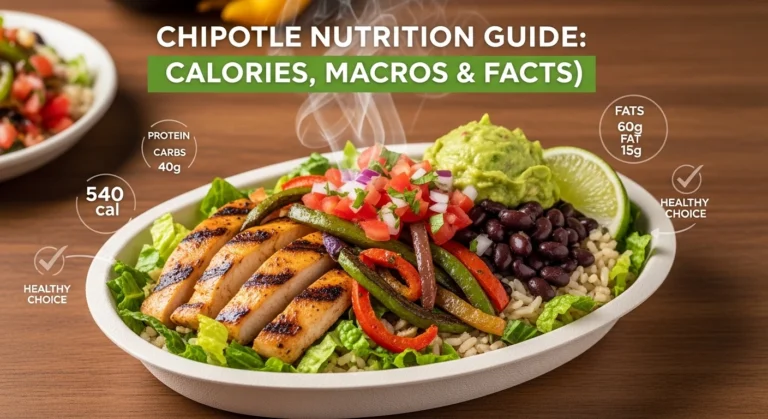
The calculator shows about 830–850 calories and 80+ grams of protein. In real life, this kind of bowl fits his post‑workout needs and keeps him full for hours. Even if the real calories are ±100, it still works as a “high‑protein” meal for his day.
Example 2:
The low‑carb office lunch
Sarah is following a low-carb lifestyle. She builds:
- Salad
- Steak
- Fajita veggies
- Green salsa
- Guacamole
- Cheese
The calculator shows about 500–550 calories and under 20 grams of net carbs. When she eats this at lunch, she feels satisfied and doesn’t spike her energy, which helps her stay on plan for the rest of the day.
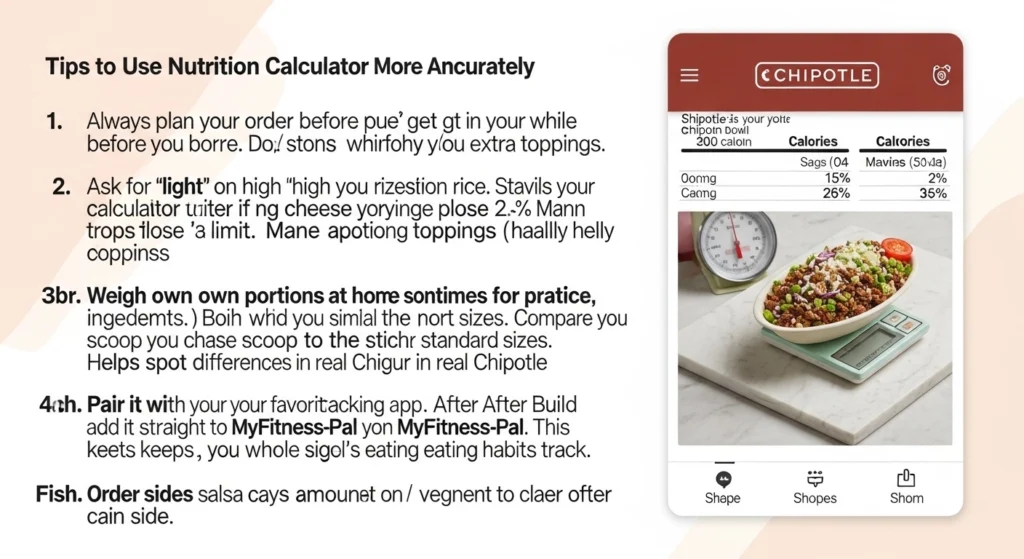
Tips to Use Chipotle Nutrition Calculator More Accurately
Here are easy tips you can use in your daily life to make the calculator even more helpful.
First: Always plan your order before you get to the store. Do it while waiting in line on your phone. This stops you from adding extra toppings on a whim.
Second: Ask for “light” on high-calorie items like rice or cheese if the calculator shows your bowl is getting close to your limit. Many servers are happy to help.
Third: Weigh your own portions at home sometimes for practice. Buy similar ingredients and use a cheap kitchen scale. Compare what you scoop to the calculator’s standard sizes. This helps you spot differences in real Chipotle visits.
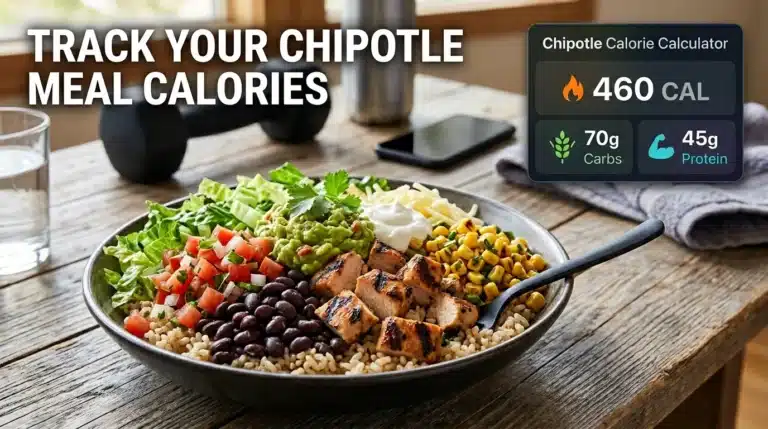
Fourth: Pair it with your favorite tracking app. After building your meal online, add it straight to MyFitnessPal or whatever you use. This keeps your whole day’s eating habits on track.
Fifth: Order sides like salsa or veggies on the side. This way you control the amount yourself and stay closer to the calculator’s numbers.
These small changes fit right into busy routines, like grabbing lunch between meetings or feeding the family after school.
Benefits of Using Chipotle Nutrition Calculator
Using the Chipotle nutrition calculator correctly has real benefits for your health and daily life:
- Makes healthier choices easier.
You can see at a glance which foods spike the calories or carbs, so you choose more vegetables, lean protein, and fewer heavy toppings. - Saves time and mental energy.
Instead of guessing or downloading a calorie app mid-order, you can quickly build your meal and get a clear picture while you walk to the counter. - Helps you stay on track with your goals.
Whether you are trying to lose weight, gain muscle, or just eat cleaner, the calculator helps you make “directionally accurate” choices instead of random guesses. - Makes Chipotle fun, not scary.
Many people avoid Chipotle because they think it’s “too high-calorie.” With the nutrition calculator, you learn which combos are lighter and which are heavy, so you can enjoy them without guilt.
FAQs
1. Is the Chipotle nutrition calculator accurate?
It’s accurate enough for everyday use but not perfect. Real portions can be a bit more or less than the calculator shows, so treat it as a close estimate, not an exact number.
2. Why do my calories sometimes seem so high?
High calories usually come from rice, tortillas, cheese, sour cream, and guacamole. If you want a lighter meal, skip one of those and add more veggies or salsa instead.
3. Can I use it for weight loss?
Yes. Use it to pick lower‑calorie bases (like salad) and watch out for extra toppings. Many people who eat Chipotle once or twice a week without heavy toppings still lose weight successfully.
4. Does it show protein and carbs?
Yes, most versions of the Chipotle nutrition calculator show calories, protein, carbs, and fat. Some third‑party tools also add sodium and fiber.
5. Should I trust it more than MyFitnessPal or other apps?
Chipotle’s own calculator is usually more accurate than random app entries because it comes from the restaurant’s nutrition data. Still, allow a small margin of error in your tracking.
Conclusion
The Chipotle Nutrition Calculator is not perfect, but it is still a very helpful tool. It gives you a good estimate of calories and nutrients, which is enough to make better food choices. In daily life, food is never exactly the same, so small differences are normal.
If you use this calculator wisely, you can control your diet, improve your health, and make smarter decisions every day. Try to use it before ordering your meal and stay consistent with your goals.
You can also calculate nutrition for other Chipotle menu items:
Chipotle Tacos Nutrition calculator
Chipotle Burrito Bowl Nutrition Calculator
Chipotle Quesadilla Nutrition Calculator
Chipotle Salad Nutrition Calculator
Chipotle Chips & Sides Nutrition Calculator
Chipotle Kid’s Meal Nutrition Calculator
These tools help you compare different menu items and build meals that match your nutrition goals.